
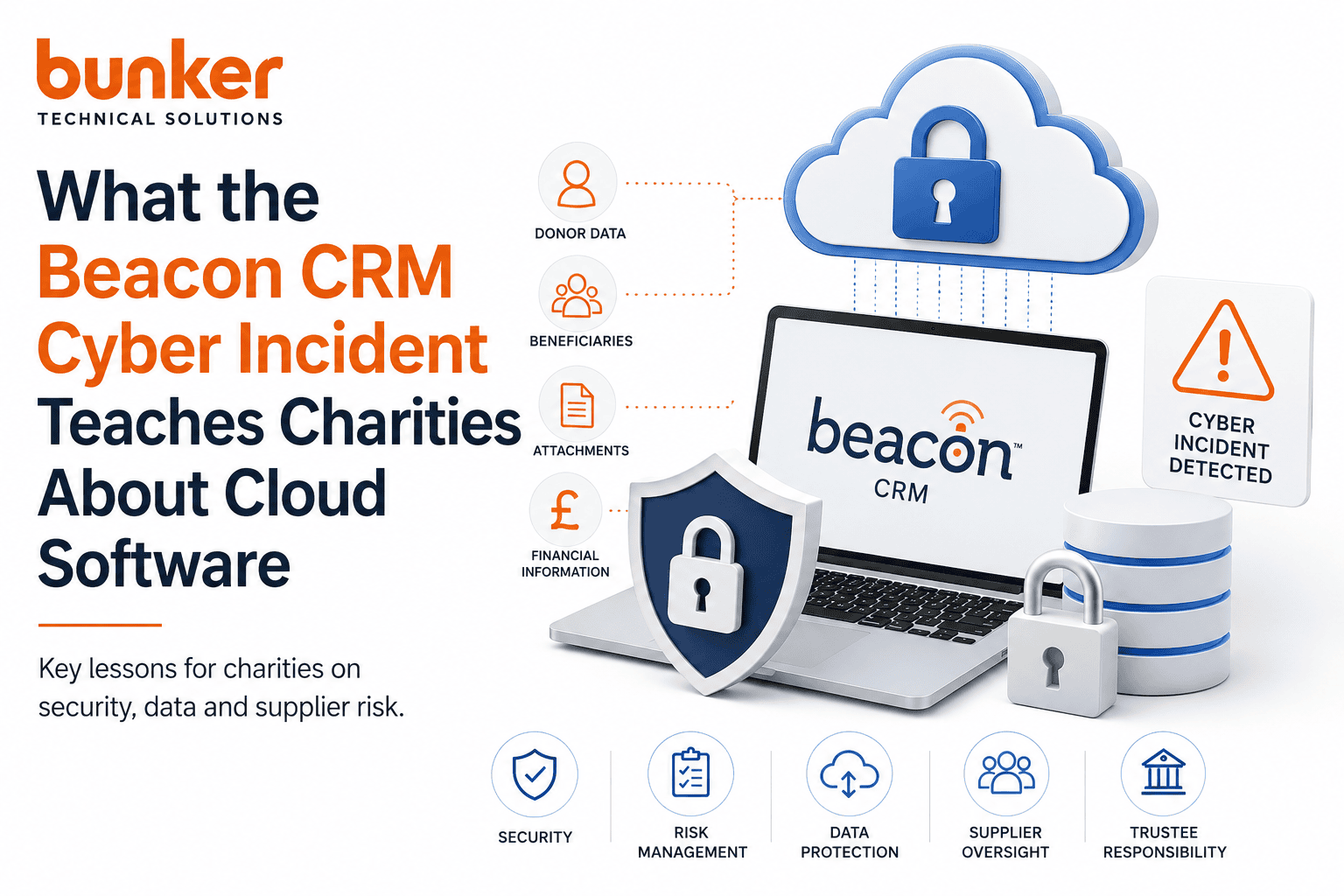
What the Beacon CRM Cyber Incident teaches Charities about Cloud Software
-
05/08/2026
- 9 minutes Read
Cloud software has transformed how charities operate.
Fundraising platforms, CRMs, finance systems, HR software and Microsoft 365 allow teams to work from anywhere while reducing the need to maintain their own technology infrastructure.
But moving information to the cloud doesn’t move responsibility for that information.
The recent cyber-security incident disclosed by Beacon CRM is an important reminder of this.
On 4 August 2026, Beacon confirmed that an unauthorised third party had accessed systems containing customer data. Its investigation found that copies of database backups were made and were likely downloaded. Beacon advised customers that, because it may not be possible to determine exactly what was accessed, they may wish to assume that all data stored in Beacon — including attachments — was downloaded.
For charities, the lesson isn’t that cloud software is unsafe.
It’s that every cloud platform your charity uses becomes part of your cyber-security risk.
And that risk needs to be understood and managed.
What Happened at Beacon CRM?
According to Beacon’s incident update, an unauthorised third party gained access to its systems.
Beacon says evidence indicates copies of database backups were made and were likely downloaded. It also says that although stored data was encrypted, its external experts advised that the attacker may have been able to decrypt the information before copying it.
Beacon says it has since:
- Remediated the probable vulnerability
- Reset credentials associated with services and AWS accounts
- Introduced additional endpoint and cloud security monitoring
- Engaged external cyber-security specialists
- Reported the incident to the ICO and Report Fraud
- Continued monitoring for indicators of compromise
Beacon says its external cyber-security experts have not observed ongoing unauthorised access since containment.
That’s important context.
But the incident raises much bigger questions for charities about how they assess and manage their technology suppliers.
Lesson 1: Your Supplier’s Cyber Risk Is Your Cyber Risk
When we think about cyber security, we naturally focus on our own organisation.
Are we using MFA?
Are laptops protected?
Are staff trained?
Is Microsoft 365 secure?
Those things remain extremely important.
But your charity probably holds information across dozens of systems that you don’t directly control.
Think about your:
CRM → Finance → HR → Payroll → Fundraising → Email marketing → Website → Microsoft 365
Each supplier becomes part of your technology supply chain.
The Charity Commission explicitly warns that charities hold assets attractive to criminals, including money and sensitive information about employees, volunteers, donors and beneficiaries. It also says trustees remain responsible for ensuring their charity is appropriately protected, even where cyber security activities are delegated.
That makes supplier security a governance issue, not simply an IT procurement question.
Lesson 2: Understand What Data You’re Putting Into Cloud Systems
This is probably the biggest lesson.
Ask yourself:
If everything stored in our CRM was exposed tomorrow, what would someone learn about our organisation and the people we support?
For some charities, a CRM contains little more than names and contact details.
For others, it can contain:
- Donor details
- Donation history
- Home addresses
- Telephone numbers
- Email addresses
- Volunteer information
- Notes and correspondence
- Corporate relationships
- Attachments
- Beneficiary information
- Potentially sensitive personal information
The question shouldn’t therefore simply be:
“Is this CRM secure?”
It should also be:
“Should all this information be in the CRM in the first place?”
That’s a fundamentally different conversation.
Lesson 3: Security Certifications Matter — But They Don’t Eliminate Risk
This is particularly important.
Beacon currently states that it is ISO 27001:2022 certified and Cyber Essentials Plus certified. It also describes controls including two-factor authentication, encryption at rest, fine-grained permissions, penetration testing, audit logs and UK-based hosting.
Those are all meaningful controls.
But no certification means:
“This organisation cannot be breached.”
Cyber Essentials Plus, ISO 27001 and penetration testing should form part of supplier due diligence.
They shouldn’t replace it.
The better questions are:
- What security controls does the supplier operate?
- How are privileged accounts protected?
- How frequently are systems tested?
- How are vulnerabilities managed?
- How are backups protected?
- What monitoring is in place?
- How quickly will customers be informed of an incident?
- What happens after an incident occurs?
A certificate is evidence of controls.
It isn’t a guarantee that nothing will ever go wrong.
Lesson 4: Backups Need Protecting Too
There’s an interesting detail in the Beacon incident that shouldn’t be overlooked.
The data believed to have been copied included database backups.
We normally talk about backups as protection against cyber incidents.
And they are.
But backups themselves contain data.
That means they also need appropriate access controls, encryption, monitoring, retention policies and protection.
The lesson for charities is broader than Beacon.
When evaluating any cloud provider, ask:
How is our live data protected — and how are copies and backups of that data protected?
They’re both important.
Lesson 5: Encryption Isn’t a Magic Shield
You will often see cloud providers say:
“Your data is encrypted.”
That’s reassuring, but it doesn’t answer the whole question.
Beacon states that sensitive data is encrypted at rest. However, following this incident, Beacon said its experts advised that the unauthorised third party may have been able to decrypt information before copying it.
This illustrates an important distinction.
Encryption is an essential security control, but information must eventually be decrypted for authorised systems and users to work with it.
So when evaluating a supplier, don’t stop at:
“Is our data encrypted?”
Ask how encryption keys, administrator access, credentials and privileged systems are protected too.
Lesson 6: Know What You’ll Do When a Supplier Is Breached
Imagine receiving an email tomorrow morning saying:
“A supplier that holds your charity’s personal information has experienced a cyber-security incident.”
Who handles it?
Who contacts your Data Protection Officer?
Who tells the CEO?
Who briefs trustees?
Who identifies what information was stored in the affected platform?
Who decides whether individuals need notifying?
Who speaks to the ICO?
These decisions shouldn’t be made for the first time during an incident.
Under UK GDPR, organisations must report certain personal data breaches to the ICO without undue delay and, where feasible, within 72 hours of becoming aware of them. Where a breach is likely to result in a high risk to individuals’ rights and freedoms, affected individuals must also be informed without undue delay. Organisations must maintain records of breaches regardless of whether notification is ultimately required.
Beacon itself has told customers they should assess their own reporting obligations.
That’s why every charity needs a documented incident-response process.
Lesson 7: Know Your Technology Supply Chain
Ask your leadership team a simple question:
How many third-party platforms currently hold information belonging to our charity?
For many organisations, nobody knows the complete answer.
Different departments introduce different software.
Fundraising has one system.
Finance has another.
HR has another.
Marketing introduces three more.
Someone signs up for an AI application.
A volunteer creates an account somewhere else.
Over time, the charity builds an increasingly complicated web of suppliers and data.
We recommend maintaining a simple technology supplier register documenting:
| Supplier | Data Held | Business Owner | Criticality | Security Reviewed | Last Review |
|---|---|---|---|---|---|
| CRM | Donor/supporter data | Fundraising | High | Yes/No | Date |
| Microsoft 365 | Email/files | Operations | Critical | Yes/No | Date |
| Finance | Financial records | CFO | High | Yes/No | Date |
| HR | Employee information | HR | High | Yes/No | Date |
You don’t need a complicated governance platform to start.
A spreadsheet is considerably better than not knowing.
Five Questions Every Charity Should Ask Its Cloud Suppliers
The Beacon incident gives charity CEOs, CFOs and trustees an opportunity to review their wider technology estate.
Start with five questions:
1. What information do we store with this supplier?
Know what would be affected in a worst-case incident.
2. What security controls protect it?
Look beyond marketing claims to MFA, access controls, monitoring, testing, encryption and certifications.
3. Who can access our data?
That includes your employees, supplier employees, administrators, integrations and third parties.
4. What happens if something goes wrong?
Understand notification procedures, incident response, backups and recovery.
5. Can we get our data out?
Every charity should understand how it exports its information if it decides to change suppliers.
This Isn’t About Beacon — It’s About Managing Cloud Risk
It’s easy after a cyber incident to focus entirely on the organisation that was attacked.
That misses the bigger lesson.
Beacon isn’t the first technology provider to experience a cyber incident, and it won’t be the last.
The important question for charity leaders is:
Are we making informed decisions about where our data is stored and how our technology suppliers manage risk?
Cloud software remains enormously valuable to charities.
But outsourcing the technology doesn’t mean outsourcing the responsibility.
Your organisation still needs to understand its data, assess suppliers, control access, prepare for incidents and ensure trustees have appropriate oversight.
What Should Charity Leaders Do Now?
You don’t need to stop using cloud software.
Instead, take this opportunity to review five things:
- Create a list of your critical technology suppliers.
- Document what information each supplier holds.
- Review their security and data-protection arrangements.
- Check your incident-response and breach-reporting procedures.
- Report significant technology and supplier risks to trustees.
And don’t make this a one-off exercise.
Supplier risk should be reviewed regularly, particularly when a platform holds sensitive information or becomes critical to delivering your charity’s services.
How Bunker Can Help
At Bunker, we help charities understand and reduce technology risk without making cyber security unnecessarily complicated.
That includes reviewing your Microsoft 365 environment, identity and access controls, technology suppliers, data risks and incident-response arrangements.
Our approach starts with a simple question:
Where is your charity’s most important information, who has access to it, and what happens if one of those systems is compromised?
From there, we can identify gaps, prioritise the risks that matter and build a practical improvement roadmap for your leadership team and trustees.
The objective isn’t to eliminate every possible cyber risk.
That’s impossible.
It’s to make sure your charity understands its risks, has sensible protections in place and knows exactly what to do when something goes wrong.
How we researched this guide: We reviewed publicly available product documentation, pricing information, charity-specific functionality, integrations and vendor materials for each platform. Over the coming weeks, Bunker will be conducting a deeper assessment of the leading systems using our Charity CRM Framework. This article will be updated as that research is completed.
