
Microsoft 365 Business Premium for Charities: Is It Secure Enough?
-
24/09/2026
- 7 minutes Read
Microsoft 365 Business Premium for Charities: Is It Secure Enough?
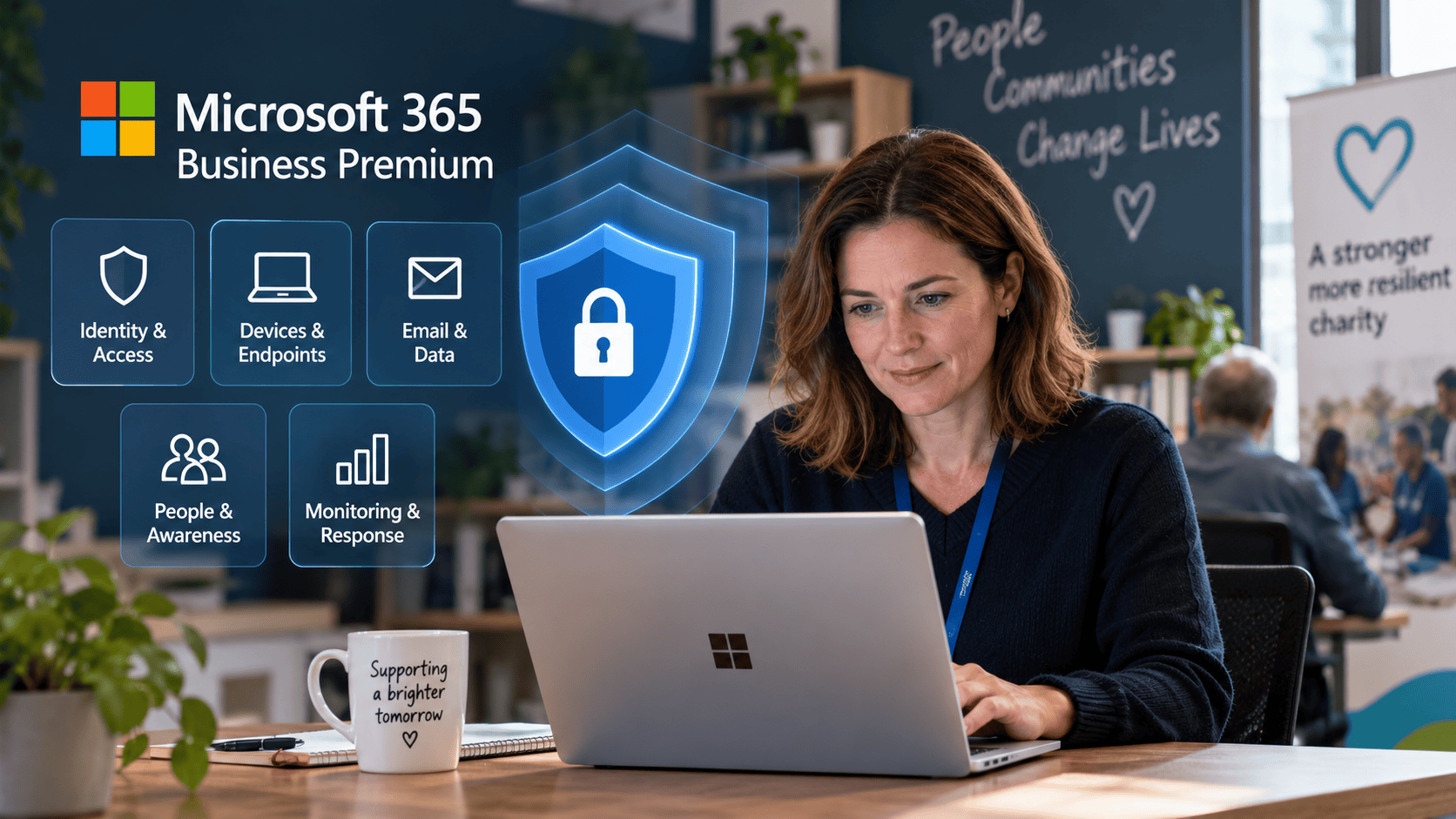
Microsoft 365 Business Premium for charities provides a strong cyber security foundation, but Microsoft 365 alone is not enough for a complete cyber security strategy.
It includes powerful tools for protecting identities, devices, email and data. However, those tools still need to be configured correctly, monitored and supported by additional controls such as backup, security awareness, vulnerability management and incident response.
At Bunker, we recommend a Defence in Depth approach: multiple layers of security designed so that if one control fails, another is there to help protect the organisation.
What Security Does Microsoft 365 Business Premium for Charities Include?
Microsoft 365 Business Premium brings productivity and security tools together within the Microsoft ecosystem.
For a charity, some of the most important security capabilities include:
- Multi-factor authentication (MFA)
- Conditional Access
- Microsoft Defender for Business
- Microsoft Defender for Office 365 Plan 1
- Microsoft Intune
- Device management and compliance policies
- Email and phishing protection
- Identity and access controls
- Information protection capabilities
That makes Business Premium a strong starting point, particularly for charities with up to 300 users.
But there is an important distinction:
Having Microsoft security products and having a secure Microsoft 365 environment are not the same thing.
Security controls need to be configured appropriately, maintained and monitored as your organisation changes.
Why Isn’t Microsoft 365 Business Premium Enough on Its Own?
Cyber attacks rarely depend on defeating one security product.
An attacker might compromise a user’s password through phishing, exploit an unpatched device, persuade a member of staff to approve an MFA request or gain access through an incorrectly configured account.
There is also the risk of human error.
Someone can accidentally delete information, share sensitive data with the wrong person or fall for a convincing phishing email despite the technology protecting them.
This is why Bunker recommends Defence in Depth rather than relying on a single vendor or security product.
Think of it as several security layers protecting the charity rather than one wall surrounding it.

CHARITY EXPERTISE
Technology advice that goes beyond IT support
Strategic guidance from people who understand your technology in your Charity and where you want to go next.
- Microsoft 365
- Cyber Security
- Technology Strategy
The 5-Layer Defence in Depth Approach for Charities
A practical cyber security strategy should protect more than Microsoft 365 itself.
1. Identity and Access
Identity has become one of the most important areas of cyber security.
Charities should consider controls including:
- MFA
- Conditional Access
- Strong account management
- Appropriate administrator permissions
- Least-privilege access
- Secure processes for starters and leavers
If an attacker obtains a password, additional identity controls can help prevent that password from becoming full access to the organisation.
2. Devices and Endpoints
Every laptop, desktop and mobile device connecting to organisational information creates another potential route into the charity.
Microsoft Intune and Defender for Business provide valuable capabilities, but they need to form part of a wider device-management process.
That can include:
- Endpoint protection
- Device compliance policies
- Operating system and application patching
- Encryption
- Secure configuration
- Vulnerability management
- Monitoring supported devices
The objective isn’t simply to install security software. It’s to know which devices have access to your organisation and whether those devices remain secure.
3. Email, Data and Backup
Email remains one of the most common ways attackers target organisations.
Microsoft 365 provides important email and data protection controls, but charities should also consider what happens if information is deleted, corrupted or compromised.
A Defence in Depth approach considers:
- Phishing and malicious email protection
- Secure email configuration
- Data access and sharing
- Protection of sensitive information
- Backup and recovery
- Testing that important information can actually be restored
Backup is particularly important because cloud storage and backup are not the same thing.
Having your data in Microsoft 365 doesn’t remove the need to consider how critical information would be recovered following deletion, compromise or another serious incident.
4. People and Security Awareness
Technology cannot eliminate human risk.
Charity employees, volunteers and trustees may all interact with systems and information, often with very different levels of technical experience.
Regular security awareness can help people recognise:
- Phishing emails
- Fake login pages
- MFA fatigue attacks
- Suspicious attachments
- Social engineering
- Requests to change payment details
- Unsafe handling of sensitive information
The goal isn’t to make everyone a cyber security expert.
It’s to give people enough knowledge to recognise when something doesn’t look right and know what to do next.
5. Monitoring and Response
Security doesn’t stop once the tools have been configured.
Someone needs to understand what is happening across the environment and what action should be taken when something unusual occurs.
That can include:
- Security monitoring
- Reviewing alerts
- Vulnerability management
- Patch management
- Responding to suspicious activity
- Incident response procedures
- Regular security reviews
This layer is particularly important for charities without an internal IT or cyber security team.
A security alert has limited value if nobody is responsible for investigating it.
REAL CHARITY SCENARIO
How We Improved the IT & Cyber Posture of a £15m UK Charity
A UK charity with approximately 100 users needed to strengthen its IT environment, Microsoft 365 security and overall technology governance.

3-MONTH IMPROVEMENT
55%
May 2026
81%
August 2026
Overall IT & Cyber Audit Score
Across infrastructure, cyber security, Microsoft 365 and managed IT support.
+26 percentage points in 3 months
MICROSOFT 365 SECURITY
71%
Microsoft Secure Score
79%
Tenant Alignment
A 40-User UK Charity Using Microsoft 365 Business Premium
Consider a charity with 40 employees using Microsoft 365 Business Premium.
Business Premium can provide the organisation with a strong Microsoft security foundation, including MFA, Conditional Access, endpoint security, device management and email protection.
But Bunker wouldn’t consider the job finished once those licences were assigned.
A Defence in Depth approach could include:
Microsoft 365 security: Configure identity, Conditional Access, email security and appropriate administrative controls.
Endpoint security: Manage laptops and devices, maintain patching, endpoint protection and secure configurations.
Backup: Maintain an appropriate independent recovery capability for important Microsoft 365 data.
People: Provide ongoing cyber security awareness and phishing education.
Monitoring: Review security alerts, device health and vulnerabilities rather than waiting for users to report problems.
Response: Have a clear process for dealing with compromised accounts, lost devices, ransomware or other security incidents.
Instead of depending on one security control, the charity has multiple layers protecting its people, systems and data.
Does a Charity Still Need Cyber Essentials?
Microsoft 365 Business Premium can help organisations implement several of the technical controls required for good cyber security, but simply purchasing Business Premium does not make a charity Cyber Essentials certified.
Cyber Essentials looks at how an organisation protects itself across key technical areas, including devices, software, access controls and protection against malware.
For charities working with funders, public-sector organisations, partners or sensitive information, Cyber Essentials can also provide an independently recognised way of demonstrating that fundamental cyber security controls are in place.
The important point is that Microsoft 365, Cyber Essentials and Defence in Depth aren’t competing approaches.
They can complement each other.
So, Is Microsoft 365 Business Premium Secure Enough for a Charity?
Microsoft 365 Business Premium is a strong security platform, but it shouldn’t be the charity’s entire cyber security strategy.
The technology provides valuable controls for identity, devices, email and data. The effectiveness of those controls depends on how they are configured, monitored and maintained.
A stronger approach is to use Microsoft 365 as one part of a Defence in Depth strategy, combining:
- Identity and access protection
- Device and endpoint security
- Email, data and backup protection
- People and security awareness
- Monitoring and incident response
That way, the charity isn’t relying on a single product, control or person to keep it secure.
Building Defence in Depth for Your Charity
Every charity has a different risk profile. Your requirements will depend on factors such as your number of users, the information you hold, how your team works, your Microsoft 365 licensing and any requirements from funders, partners or insurers.
Bunker Technical Solutions helps UK charities review their existing technology and cyber security, identify gaps and build practical layers of protection around their people, devices and data.
If you’re already using Microsoft 365 Business Premium and want to understand whether you’re making full use of its security capabilities — and where additional protection may be appropriate — a security review is a sensible place to start.
